 A2O Lite Neon
How to make the A2O LITE NEON duo dance with two photos
Prepare one photo per person, confirm their permission, and follow these steps. Your order page is where you follow progress, download the video and use the included remake.
An independent tool, not affiliated with A2O LITE, A2O Entertainment or TikTok.
Use only photos of adults who agreed to appear.
Photo order and choreography
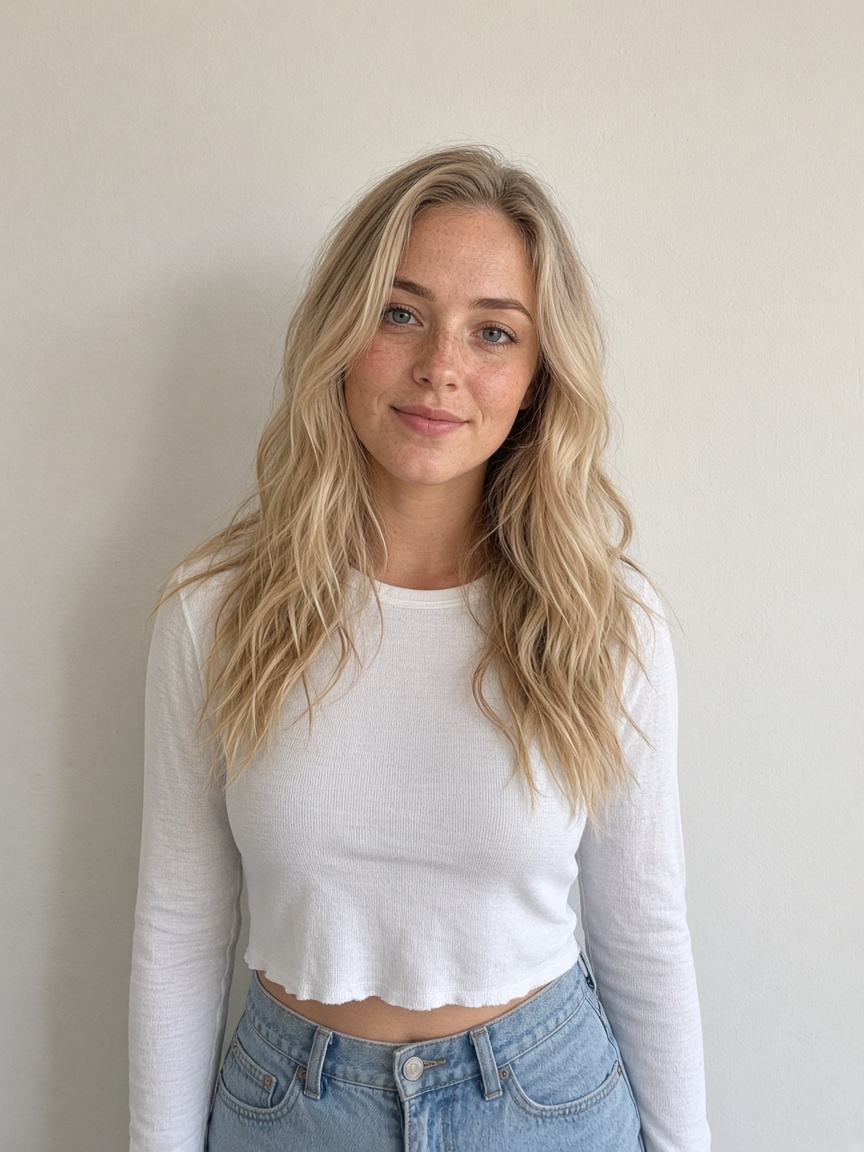
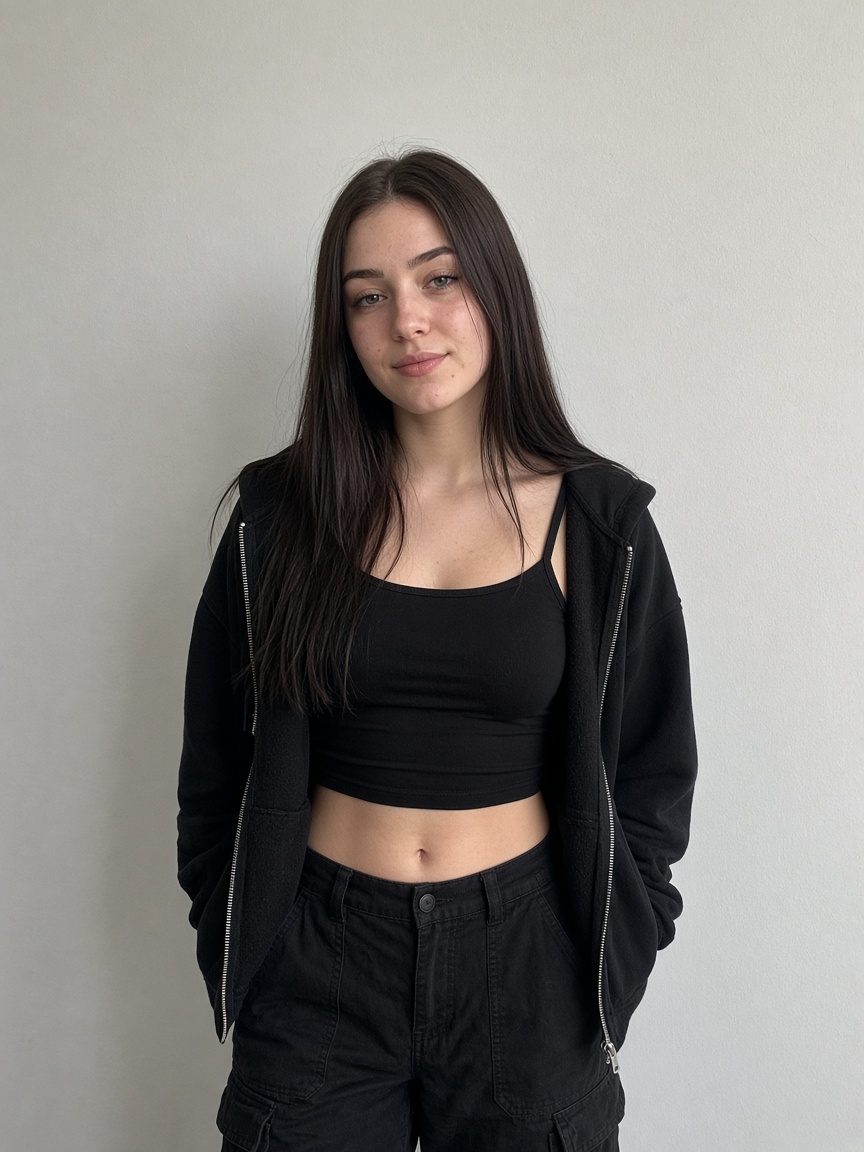
Photo 1 is the left dancer. Photo 2 is the right lead dancer, shown in a close shot at the start. The left dancer emerges from behind and both dance together. Compare the real sample before paying; AI output can vary.
How to make the A2O LITE NEON duo dance with two photos
1. Upload two photos
Use one clear, well-lit photo of each adult who agreed to appear. No celebrities or music-video screenshots.
2. Choose resolution and pay once
Pick 480p or 720p. Output is 16:9; there is no aspect-ratio selector. Pay through Stripe without an account or subscription.
3. Download from your order page
Save the order link to follow progress and download the silent MP4. Add music using your posting platform, subject to its rules.
Real generated sample
Sources and terms
Terms, privacy and refund policy · support@a2oliteneon.app
Create a videoAn independent tool, not affiliated with A2O LITE, A2O Entertainment or TikTok. Updated October 21, 2026